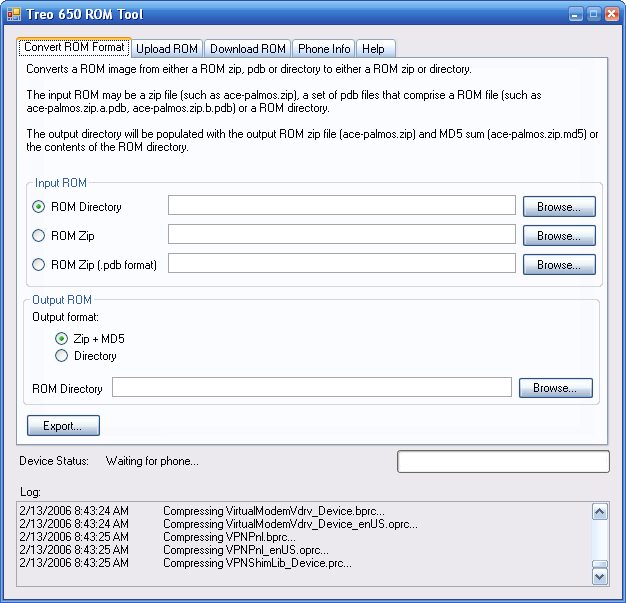
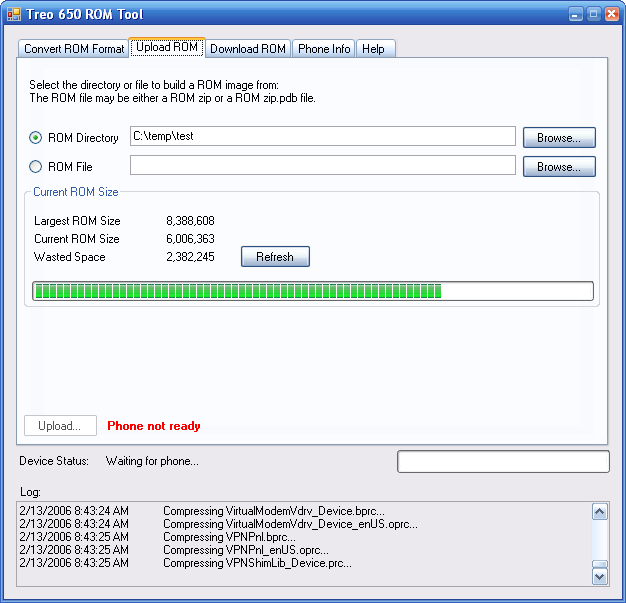
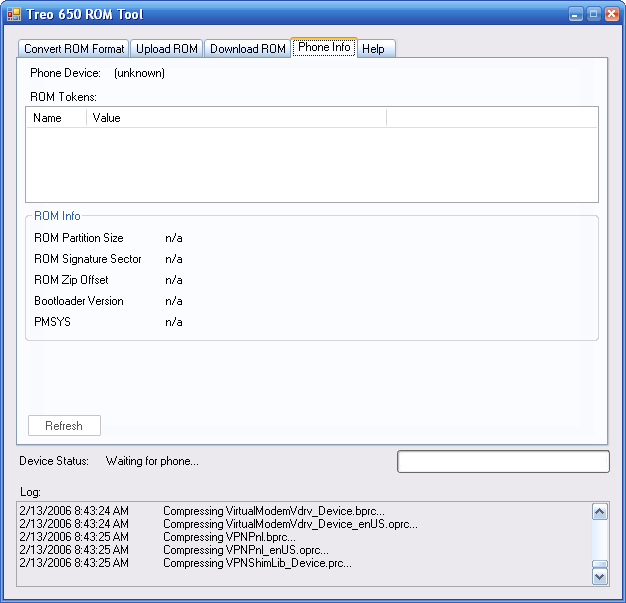
Treo ROM Tool
permalinkThe Treo 650 ROM tool is used to convert, download and upload ROMs on a Treo 650 phone. Please take the time to read the basic instructions before downloading the tool below!
Version History
1.0.0 - First official release
- Fix for not being able to reconnect if there was an error during the connect phase.
- Misc token fixes from CraniumFunk
- Merged the ZIP library into the exe to avoid problems
- Removed token warning - it’s been tested enough to be reliable
0.9.7 - Bugfix release
- Fix for not always being able to connect to the phone randomly with some bootloader versions, even though the bootloader is ready.
0.9.6 - Bugfix release
- ROM token editing (still experimental and only tested on a few devices - try at your own risk and make a full rom partition backup first!)
0.9.5 - Bugfix release
- Fix for ROMs failing to download on some picky devices
0.9.4 - Bugfix release
- Miscellaneous bugfixes
- Random lockups at startup and during download should no longer happen
- Added download ROM partition button to debugging tab
- “Bootloader log” tab is now “Debugging” tab
0.9.3 - Bugfix release
- Checks for boot.conf in .zip files before allowing upload/conversion
0.9.2 - Bugfix release
- Fixed again: phones with security passwords should be detected now
- Added conversion from ROM .pdb files
0.9.1 - Bugfix release
- The bug where you ended up with duplicate files when building ROM directories is now fixed
- Progress controls should move more frequently
- Phones with security passwords should be detected now
- Auto-check for updates
- Bootloader log tab for extra diagnostic information
0.9 - First open beta release
Getting Started
You’ll need to install the USB bootloader driver included in the package before the tool will start working. Plug your phone into the USB port on your PC and hold the hotsync button while pressing the reset button with your stylus.
When you see a rainbow-coloured screen, you’ve entered the bootloader. Windows should now start detecting a device without any drivers. Select the .inf file included in the driver zip as your driver to continue. When you start the ROM tool, it will automatically find and connect to your device.
Troubleshooting
If you are having any trouble whatsoever, the first thing you should do is disable Palm’s Hotsync and Microsoft ActiveSync tools. These tools can cause trouble with the USB connection.
If you can’t get the ROM tool to connect to your device (stuck at “waiting for phone”), make sure that you see “HTC USB Sync” as a device in your device manager.
If you don’t see HTC USB Sync, it’s likely that the USB connection to the phone isn’t hooked up. Make sure you’ve used a valid USB port and your cable is working.
If you see “Unknown Device” without seeing “HTC USB Sync”, you may need to update the drivers for the device.
If you do see HTC USB Sync as a device, make sure that you don’t have a security password set on your device. Even if you don’t have your phone locking automatically, any security password will cause the bootloader to reject any commands.
ROM Directories
ROM directories can be used as an alternative to ROM ZIPs by placing all the files required for the ROM in a directory and pointing the ROM tool at that directory. The directory will be zipped when it is uploaded to the phone and the boot.conf file will be automatically modified to match the contents of the directory.
Downloading
Download it here:
- ZIP: RomTool.zip
- Installer: RomTool.exe
- Bootloader drivers: treo-650-bootloader-drivers.exe
Unbranding
To unbrand your phone, use the ROM tool and change your crnm ROM token to ENA. You can then run Palm’s official unbranded GSM update program to get the official unbranded GSM ROM image.
Older Screenshots