Blog
permalinkx0rfbserver
UPDATE: x0rfbserver has disappeared from the web. No worries, however, as x11vnc is an excellent replacement.
I’ve just discovered the joy of x0rfbserver. I always had trouble understanding why the unix VNC’s wouldn’t allow exporting of a pre-existing X session. With x0rfbserver, you can export your existing X session to another computer. This is how WinVNC works under Win32 - it’s handy in certain cases when you don’t own a KVM switch.
You’ll need to install the xclass and rfb rpms. I couldn’t find any for RedHat, but the Connectiva i386 ones worked like a charm.
Bochs GUI
This is the prototype Bochs GUI that I’m working on. Many Windows users judge the quality of a program by the “Windows-ness” of its interface. Bochs is a powerful tool, but as the current Bochs interface looks archaic (despite it’s full-featuredness), it may potentially turn off a number of users. My goal is to create a UI that feels rich and native to a Win32 user, without needing major modifications to Bochs.
Screenshots:
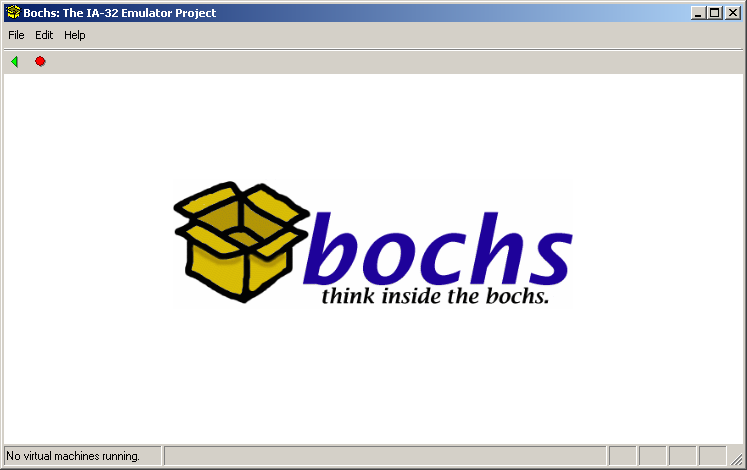
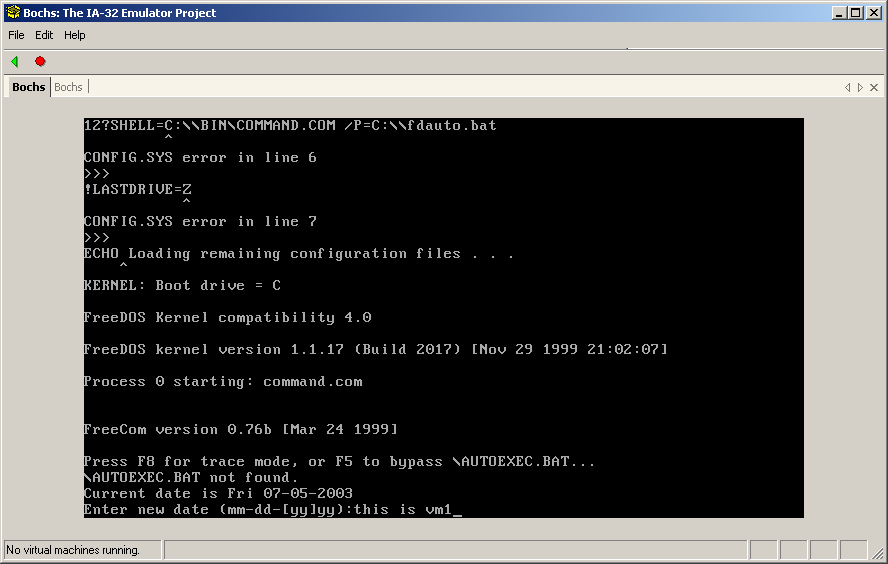
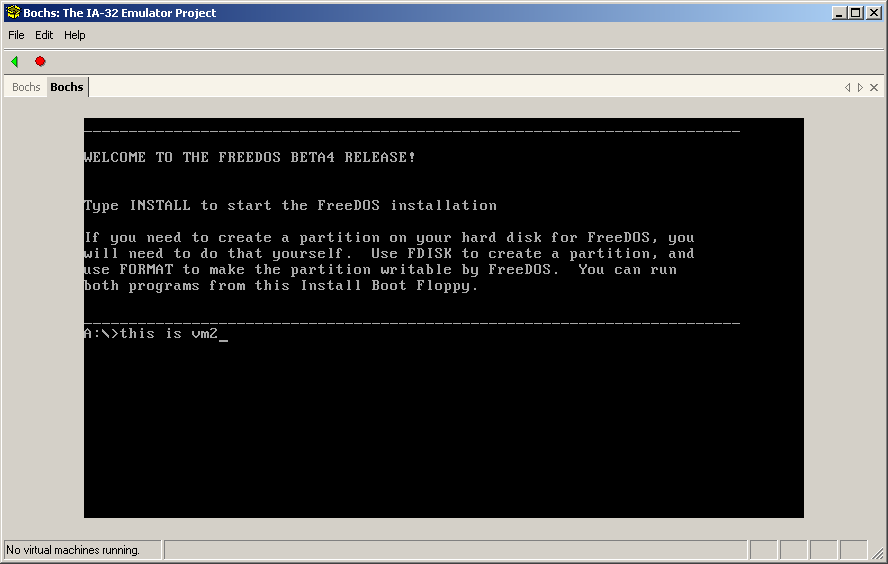
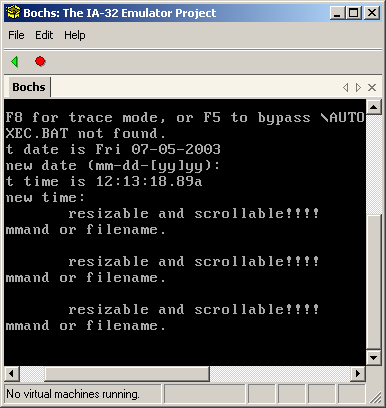
(UPDATE) Newer screenshots:
Getting into Death Match
I managed to find a copy of Death Match on an old CD. It took me a little while to the program running. The first thing that came up was a copy protection scheme that I had written into it. At the time it was written, most commercial games had a lookup sheet that you would need to consult to get the program to run.
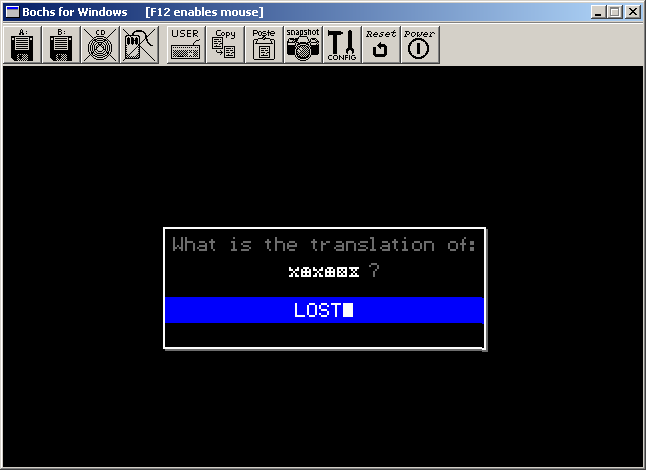
I had written up a scheme where each letter would map to a different symbol. For instance, the letter A maps to  . The screenshot below illustrates what a user would see:
Identd added
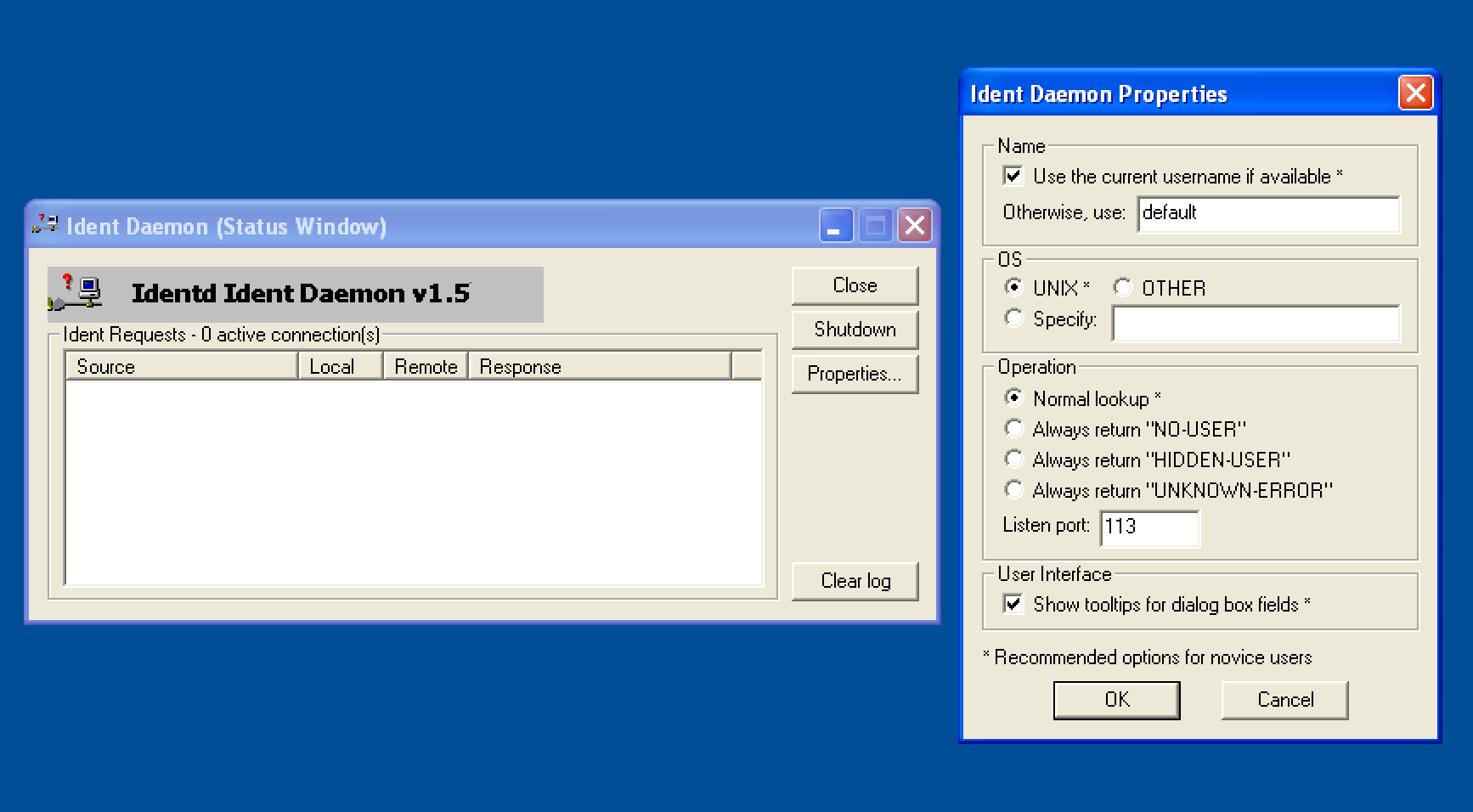
I added a page for a description and download for Identd (binaries and source).
Located more code
I’ve managed to locate the code for HP-Kermit, as well as the binaries for the first version of Death Match. I’ll have these items up (as well as screenshots for Death Match) as soon as I can. I also managed to find the source for some of my POV-Ray stuff, as well.